Recommended01 / INSTALL
Make yourself
at home.
Install VELQRA for your Windows account. Keep it ready for every workday, with your records stored locally.
Download Windows installer VELQRA
Download
VELQRA for Windows
Your clients, projects, stock, staff and accounts. Together in a workspace that stays on your computer.
Start with VELQRA Free: one company on one local PC. No payment card and no time limit.
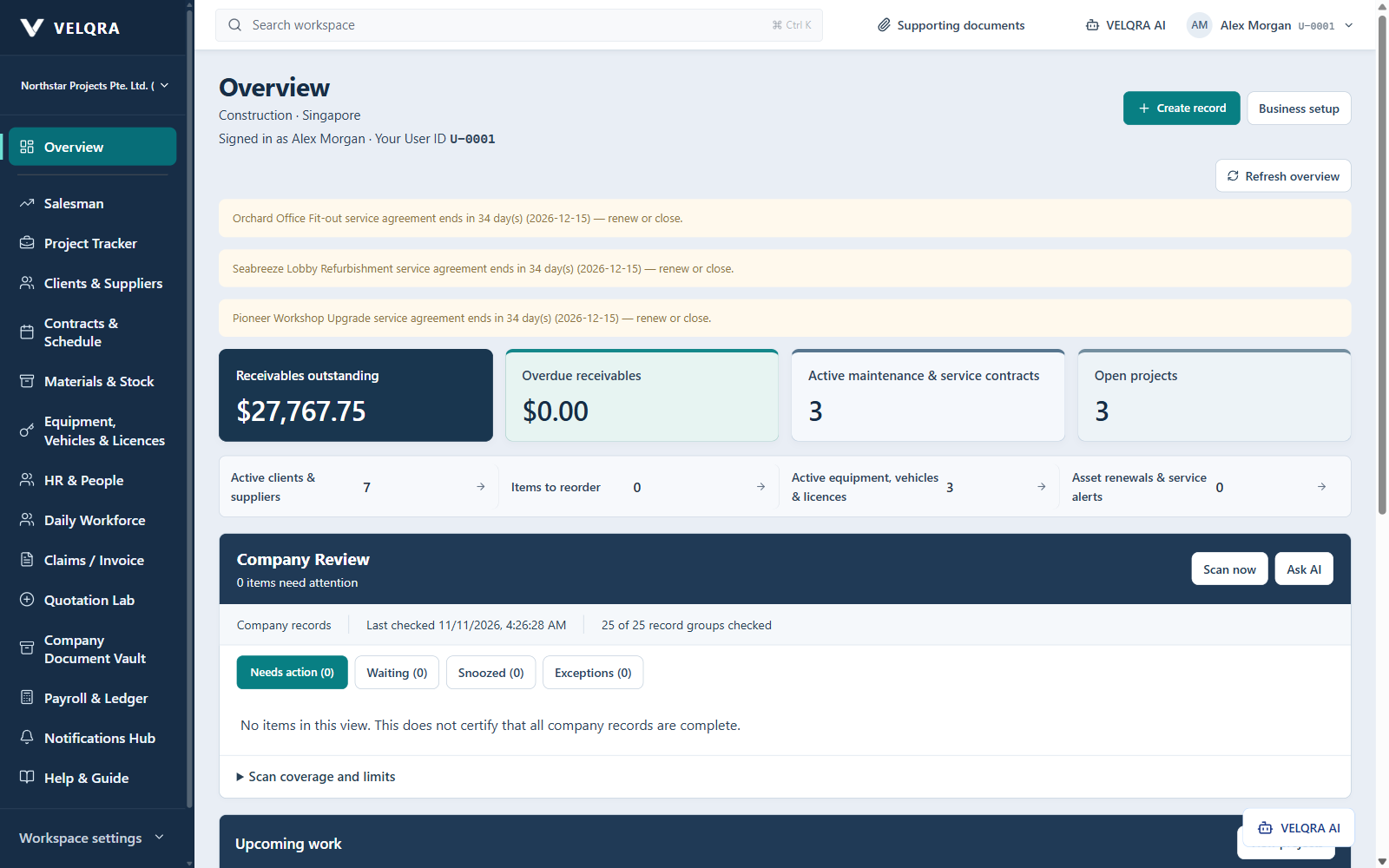
A licence is required to unlock the workspace. VELQRA is not yet code-signed, so Windows may display a publisher warning. Check that the download came from this website before opening it.
Getting started
Open the installer and follow the setup steps. Choose where you want to install it.
Subscribe on the buy page. Choose monthly or yearly and your computer count. You’ll receive a licence key and file after payment.
Open VELQRA and enter your licence key, or choose the licence file you received.
Enter your company name, choose your trade and country, and create the owner password. Then add your staff.
Check the requirements before you download.
Help & support
The quickest way to reach us is inside VELQRA. Go to Business setup → Licence help.
In VELQRA, choose Send a message to support, write your question and send it. The reply appears in the same place.
In VELQRA, choose Request licence copy and enter your name and your licence reference or purchase email. After we verify the purchase, a replacement licence is available to activate from the app.
Choose Request PC change in VELQRA on the new computer. We release the old computer so your licence key works on the new one.
On the buy page, choose Manage billing to update your card, see invoices or cancel, or choose Change plan or computers.
This usually means the subscription ended or a renewal payment is overdue. Update your card in Manage billing; VELQRA unlocks with the same licence key once payment goes through.